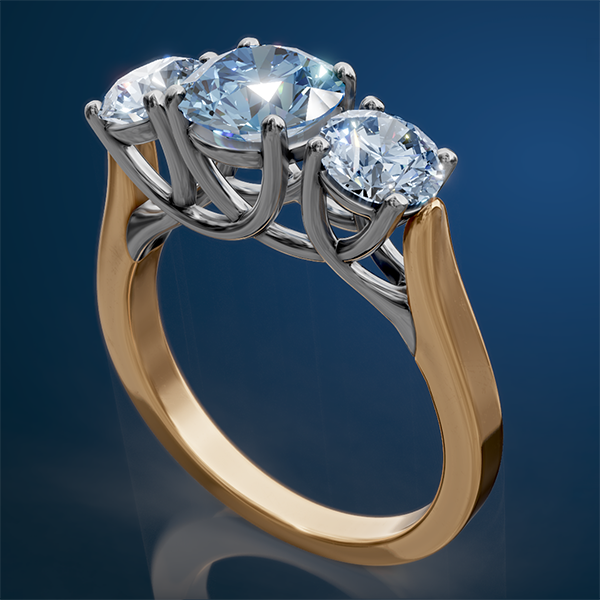
Three Stone Trellis Ring

Learn to create a Three Stone Trellis Ring. 

This is a valuable and concise lesson that will further develop your SubD skillset. Learn to use Clayoo and dynamic commands together to create the precise look you are after. While you could create this project 100% parametrically. Sometimes it is faster to work in a linear fashion to get the job done.

The more you can learn to work in SubD the more you can break free of the mechanical structures of CAD. You will be able to create more organic designs and push and pull points to the precise locations you want. This is 3D modeling that is closer to an artistic experience.

Three Stone Trellis Ring Read More »

Course ( ZBrush-101 )

Learn ZBrush! Although this course is open to anyone, you should not start your CAD journey here. However, if you are an intermediate to advanced user of other CAD programs you will take your skills to a whole new level. You will be able to create anything you can dream of. You will stand out from the competition. No knowledge of ZBrush is required before starting.

Learn to create organic shapes of all kinds. Whether you are starting in ZBrush or importing your models from MatrixGold, Rhino, or some other CAD software, you will be able to unlock sculpting abilities that will rival and exceed any wax-carving technique.

Course ( ZBrush-101 ) Read More »

Coral Reef Ring

Creating organic jewelry is what ZBrush is all about. Learn several new ZBrush concepts to create a Coral Reef Ring.

Make a starfish while learning ZBrush’s Sculpris Pro mode and the Snake Hook brush. Then add the details using InsetMultiMesh and Curve brushes.

Use Thickness from Dynamic Subdiv to start a sand dollar and continue to shape and sculpt it in Dynamesh. Then, learn to create your own IMM brush using the starfish and sand dollar models.

Finally, create a beautiful coral setting for a marquise cabochon using procedural textures and Surface Noise. 

Coral Reef Ring Read More »

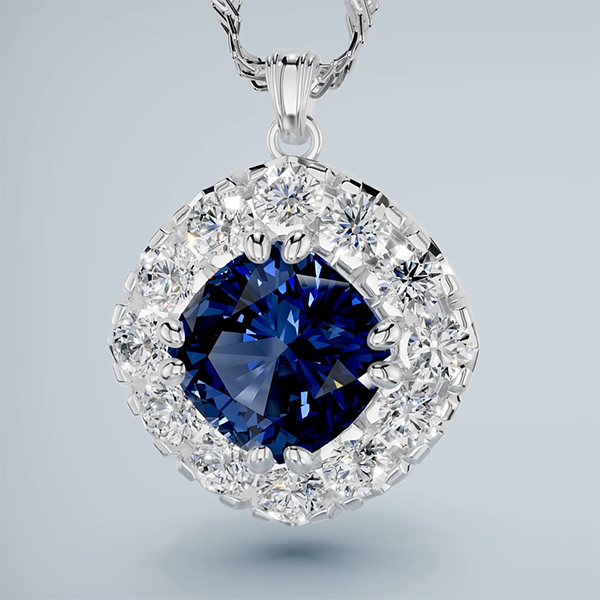
Cushion Halo Pendant

Learn to create a Cushion Halo Pendant with a fishtail setting. 

Learn the Halo command in a way you might not expect. Use MicroProngCutters to create a nice fishtail pattern around our halo. Then keep the project dynamic by juggling several MSRObjects. Learn to create a pendant back and bail to finish things off.

Cushion Halo Pendant Read More »