UV Sculpted Rings

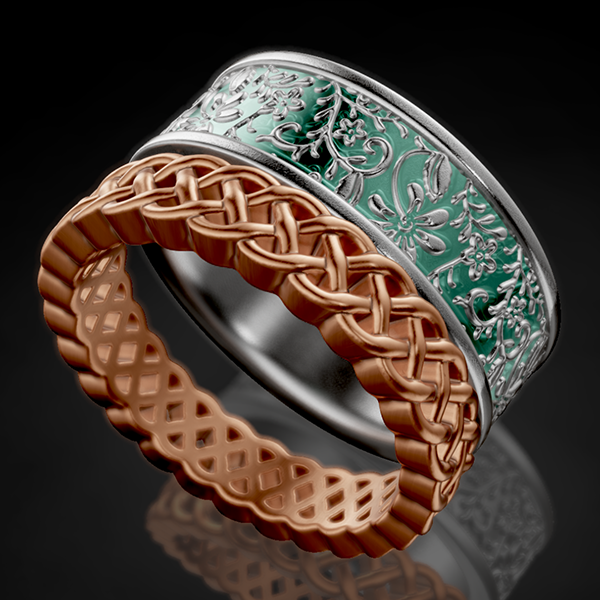
Learn all about creating UVs in ZBrush. Then learn to apply any seamless alpha map onto them. This is, perhaps, my best “secret hack” I can share with you. It will unlock the door to thousands and thousands of designs.

Learn to bring in any seamless pattern (from your own creation or your favorite Marketplace) and apply it to a specific location on your model using Surface Noise then extract or deform it into beautiful 3D depth.

Next, learn to use a combination of Dynamesh, Polish, Smooth, and other Brushes to enhance your model.

Learn this secret recipe and you will do things you never thought possible in CAD.

UV Sculpted Rings Read More »

ZFloral Bezel Ring

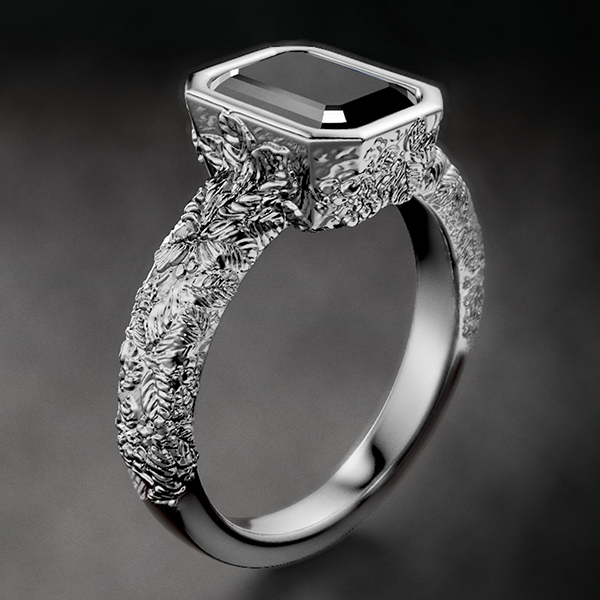
Learn all about ZRemesher. Convert your models into a beautiful sculpt-able topology. This is the key to repairing topology. Also learn Mirror, and Smart ReSym to fix broken symmetry.  

Learn to Stencil your patterns anywhere you like onto your 3D models. Then use Brushes to create the 3D details.

Next, learn to Dynamesh and repair bad topology as your sculpt. Think of it as the ultimate shrink-wrap around your model. You will even be able to split your model apart and merge it back together. 

Finally, learn to precisely control the resolution of your output geometry with the Decimation Master plugin. Wow!

ZFloral Bezel Ring Read More »

ZModeler Ring

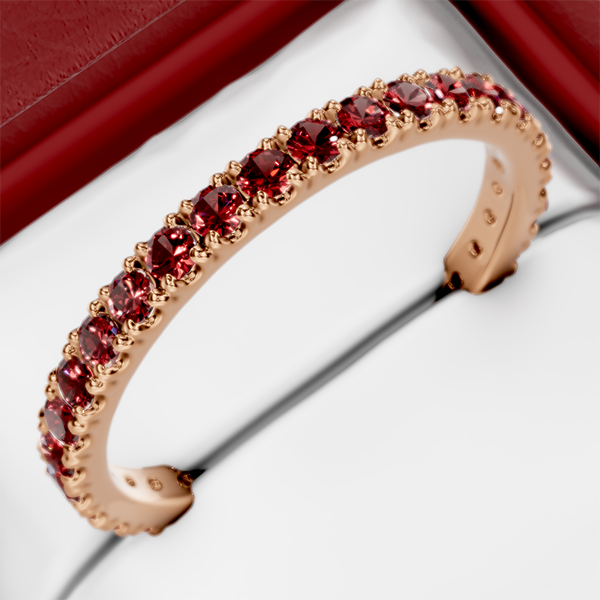
Learn about scaling and moving SubTools precisely. Learn all about another extremely valuable plugin called RingUtility. This one you are going to need to install properly, and I will show you how. 

The ZModeler brush allows you to do precise mesh editing. Learn to QMesh polys, Insert edge loops, Bridge edges, and Move and Stitch points. 

Learn all about PolygroupsCrease, Dynamic Subdiv and ArrayMeshes. Finally, learn how to export your models with the 3D Print Hub

Wow! This is another jam-packed lesson. Are you ready?

ZModeler Ring Read More »

Brushes 101

Wow! You are going to take a major step into the ZBrush world by learning all about Brushes, Strokes, Alphas, Textures, Colors, Materials, Layers, Image Plane, SymmetryExtract, and Masking.

This lesson is packed to the brim with information as we start to look at painting and sculpting in ZBrush. Learn to use an image as a reference and source to develop into an extracted 3D model.

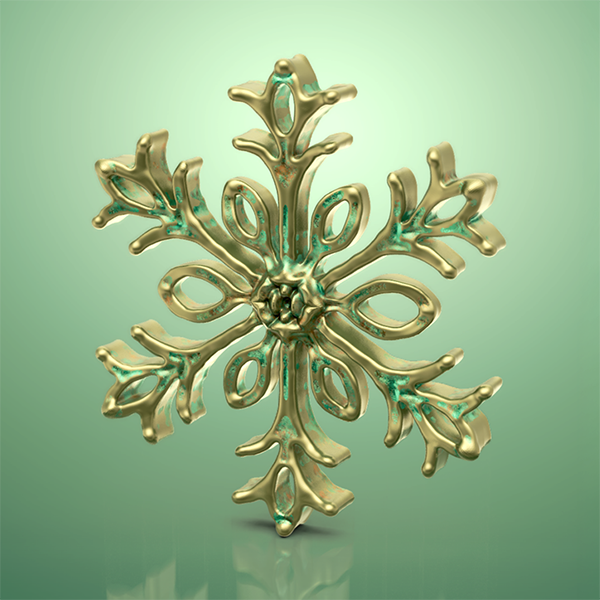
Practice tracing a snowflake pattern before sculpting details onto it. 

Brushes 101 Read More »